Feedback Company

Rated with 9.1/10 on Feedback Company

(15+ reviews)

9.1/10

(15+ reviews)

Installation & configuration services

What can you expect from our installation and configuration services?

Directly ready for use

At Reuzado, we make sure that your hardware delivery is not only complete, but also ready for immediate use At Reuzado, we receive all your (peripheral) equipment or accessories exactly how you want them. Completely packaging-free, in the original box or with little packaging to reduce waste - it's up to you.

We also bundle the laptop and phone together with all necessary accessories, such as chargers, headsets, mice and bags. This bundling is done per user or department, so that everything is delivered in a well-organised and coordinated manner.

By carrying out this process in advance, you avoid loose deliveries, reduce unpacking stress and increase rollout efficiency.
We also adapt to your preferences for transport: pallets, roll containers, plastic containers or home deliveries. In this way, both delivery and installation fit seamlessly into your logistics process.


Tailor-made installation

Our specialised IT team masters all common installation techniques. Think of installing and managing local SCCM servers via a VPN tunnel, bloatware-free installations for Autopilot or applying various Windows Autopilot or other Zero-touch techniques.[Gv1]

Together with you, we determine the desired Windows versions and builds. Do you have specific challenges? Our specialists are happy to think along with you and offer the right support.


CMDB registration and overview

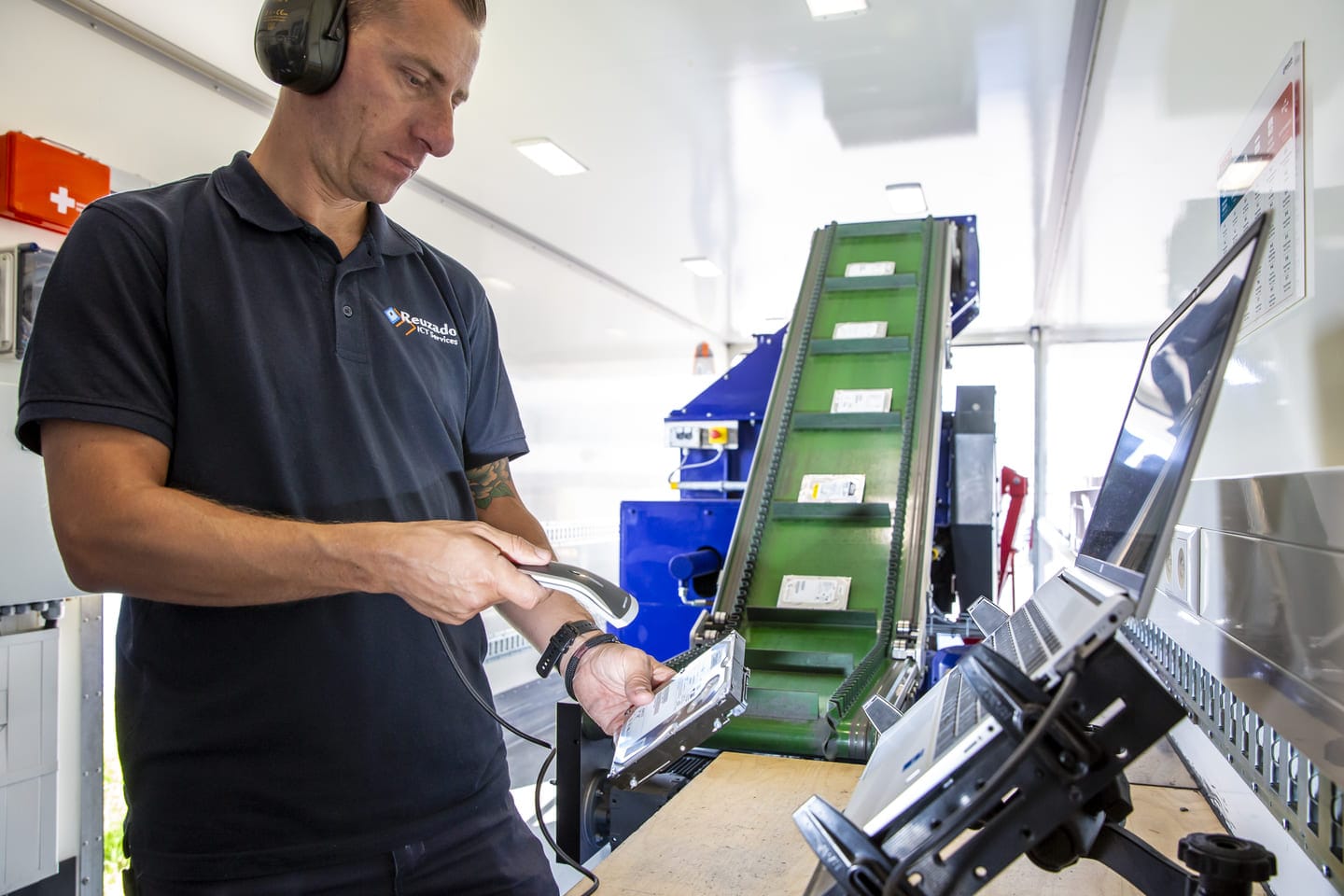
All devices we receive, process and ship are digitally recorded including serial numbers, MAC addresses, IMEI, SIM card numbers(ICCID) and other identification data. You choose which data you need and in which format you want to receive it.

Want to link this to a unique asset registration? No problem. With every delivery, you will receive a digital overview that can be used directly in your own asset management system or CMDB. So you always have full insight and control, without any extra effort.


Everything under one roof

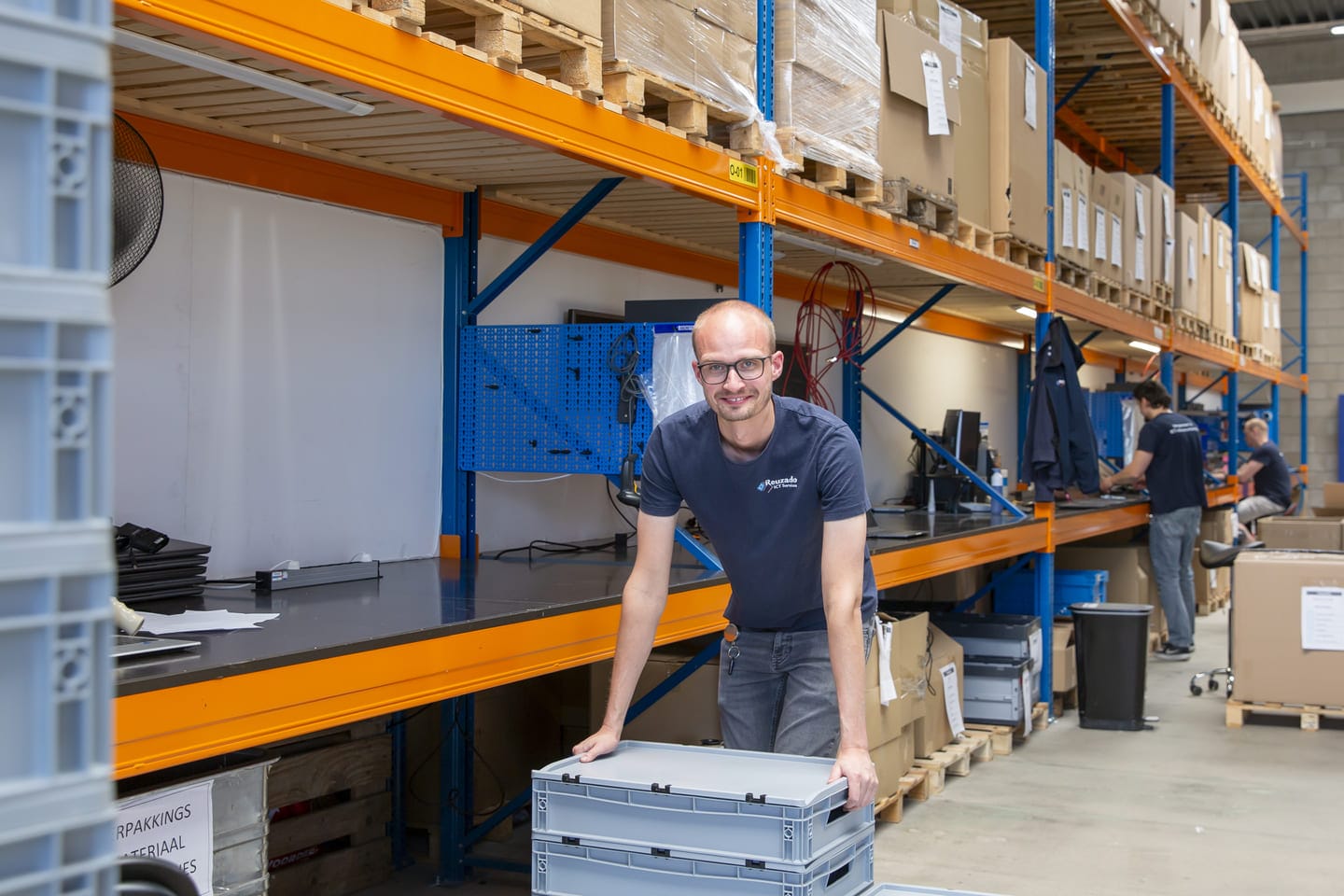
Installation, configuration, registration and logistics: we do it all in our own 5,500 m² warehouse. With permanent employees, our own resources and streamlined processes, we guarantee consistent quality, fast delivery times and maximum reliability.

Result: your equipment immediately ready for use, fully tailored to your organisation.
DOA Check

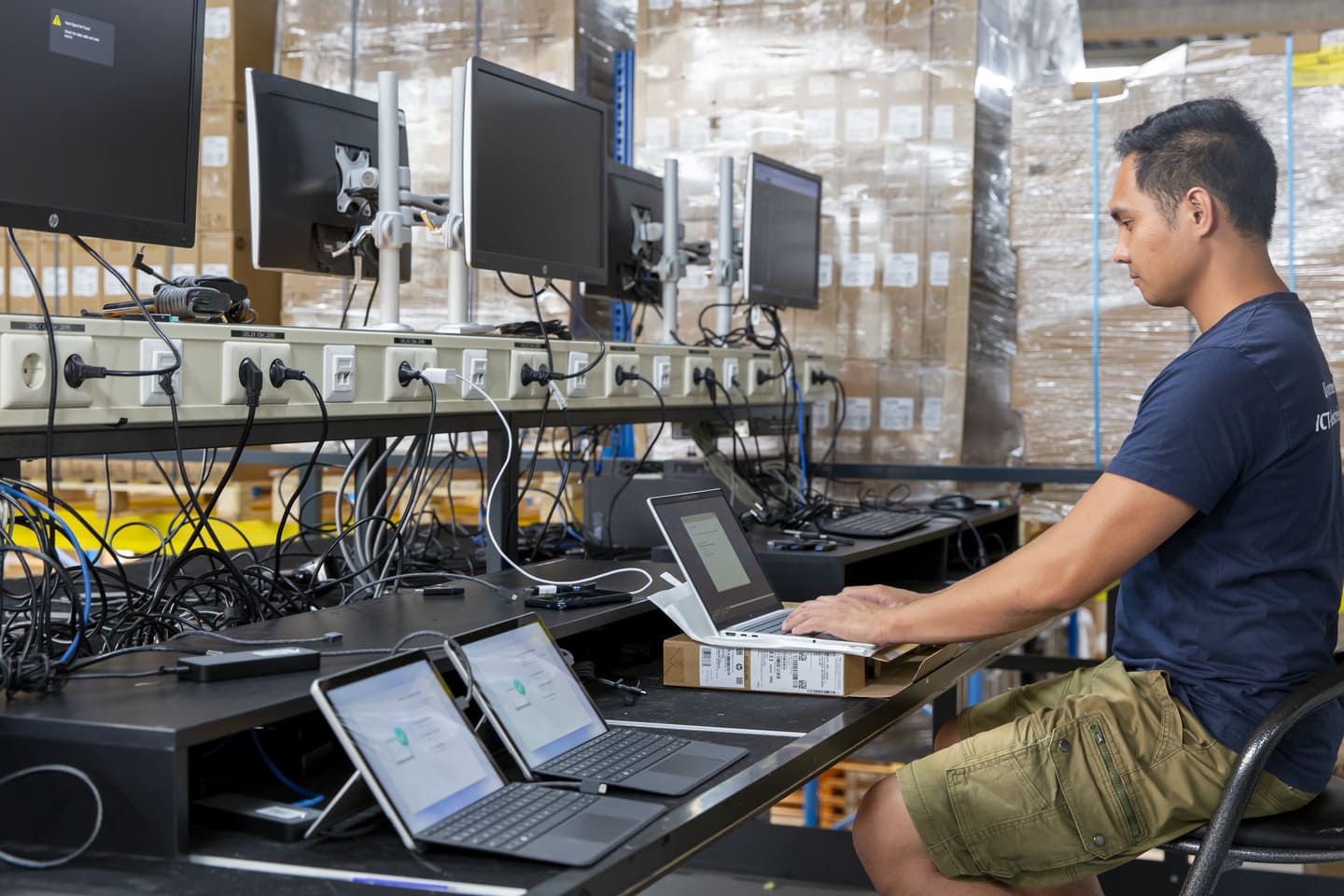
An “IT Dead on Arrival” (DOA) check is required to identify faulty hardware before it is installed, to avoid problems after or during issuance to the end user. Testing the equipment upon receipt ensures that it functions as expected.

Why carry out a DOA check?

  • Preventing installation problems: A DOA check ensures that equipment works before it is commissioned, which is crucial for project continuity.
  • Minimising delays: It prevents projects from getting stuck due to faulty hardware, as the return and replacement process can be handled faster.
  • Avoiding additional costs: It avoids extra costs and time involved in the return process of defective products by being able to report it to the hardware supplier within the legal or agreed time frame.
  • Guaranteed functionality: Customers get equipment that is guaranteed to work, contributing to supplier satisfaction and reliability.

What is being monitored?

  • Basic functionality: The equipment is switched on and tested to see if it functions as expected.
  • Physical damage: A check is made for visible damage that may have occurred during transport.
  • Diagnostics: Optional diagnostic tests are performed to ensure the hardware is performing correctly, thinking MEM or Storage test.

Reading out hardware hash or PKID

Reading out the Hardware Hash (or PKID) is a crucial step for organisations using Windows Autopilot. This unique string contains device information, such as manufacturer, model and serial number, and allows new or existing devices to be automatically registered and deployed within your corporate network. In most cases, manufacturers, such as an HP, Dell or Lenovo have already taken care of this themselves. It often becomes a bit trickier if the devices ordered are not BTO(build-to-order), but come directly from distribution.

At Reuzado, we fully support you in this process:

  • We read the hardware hash on new or existing devices
  • You receive the hash as a CSV file, ready for import into your tenant
  • Optionally, we can provide manual registration in your environment

This approach saves time, prevents errors and ensures fast, secure onboarding of devices. By outsourcing this to Reuzado, you don't have to free up any tooling or extra capacity yourself.

Installation of components

Due to scarcity in the hardware market, many devices come standard with limited or standard configurations, such as 16GB of working memory or a smaller SSD. At the same time, the need for future-proof systems with more memory and storage is growing, especially as users are working more often locally with heavy applications and files.

Reuzado offers a professional installation service that allows you to upgrade the customer's current hardware or standard (SKUs) hardware to your desired specifications. This gives organisations the freedom to buy or trade flexibly, without compromising on quality or functionality.

Adjust or update BIOS settings

An outdated BIOS is not a detail, but a real risk. FirmGuard research shows that audits of tens of thousands of endpoints show: (https://firmguard.com/3-key-findings-from-firmguard-securecheck-audits/)

  • 25% of the devices were running outdated firmware
  • 20% had Secure Boot disabled
  • 15% still used Legacy Boot, which excludes modern security measures

At Reuzado, as part of our rollout service, we also offer customisation and updating of BIOS settings. Think about setting a BIOS password, activating TPM, adjusting boot order or enabling virtualisation.

We also ensure that every device is equipped with the latest BIOS version. This is crucial for:

  • Compatibility with modern operating systems
  • Security updates and vulnerability sealing
  • Stable operation of hardware and drivers

By performing BIOS configuration in advance, you avoid manual actions on site and guarantee a fast, secure and uniform rollout.

Preparing smartphones or tablets

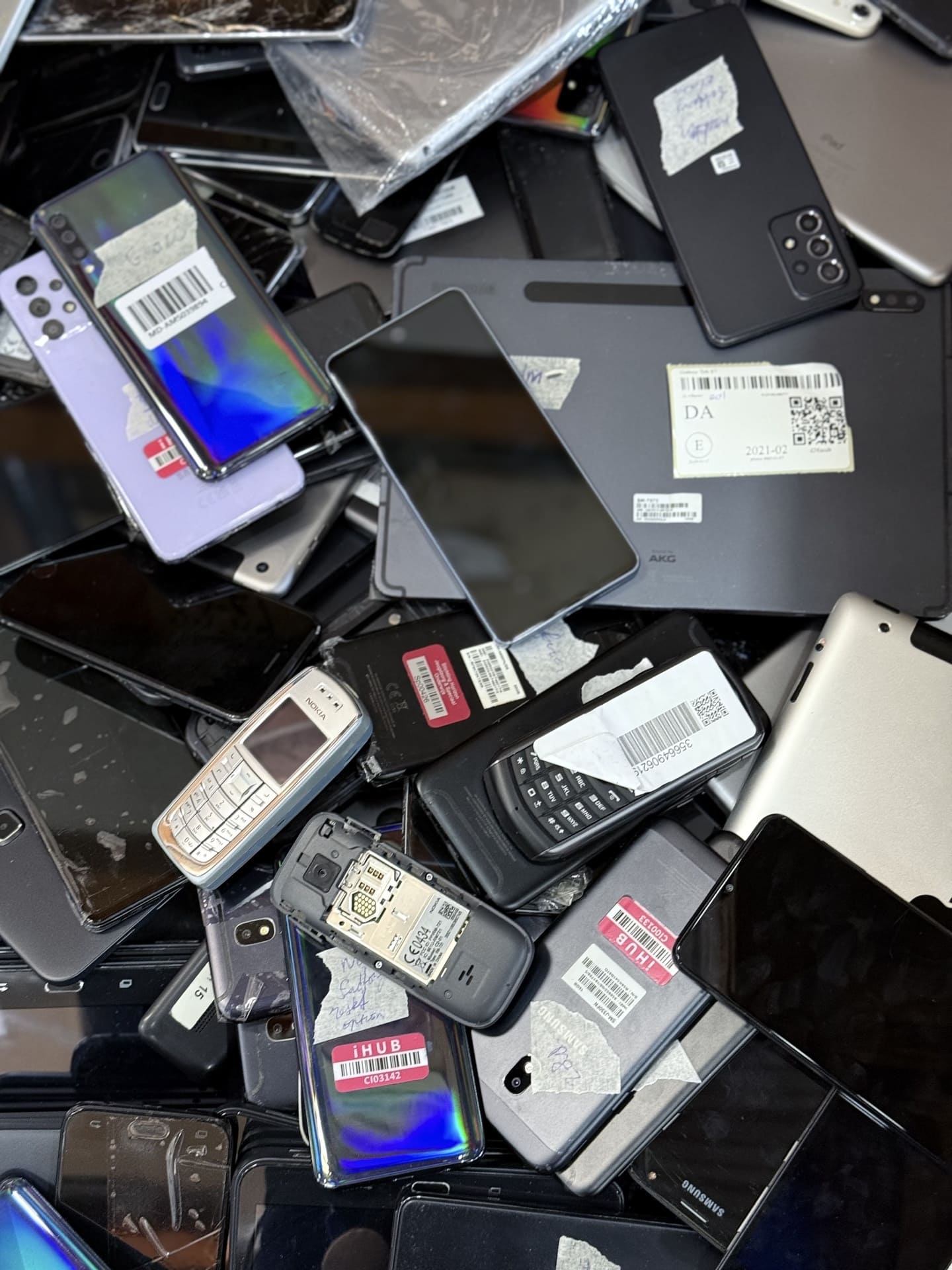
The preparation of a smartphone or tablet is different from that of a laptop or desktop. In most cases, settings and applications are only loaded once the employee takes delivery of the device. This means that, besides performing software updates, we do not do extensive configuration beforehand. However, we do ensure that all data is correctly registered and that we can link SIM cards to your telecom provider. This saves you a lot of time and effort on issuance.

Our service goes beyond registration. We insert the SIM card, register IMEI and serial numbers, carefully apply a screen protector and make sure the Android or iOS operating system is up-to-date. This ensures you have a safe and up-to-date digital environment from the very first moment.

With this approach, you avoid mistakes, save time and offer your users a flawless start. Reuzado stands for quality, convenience and reliability - even before the device comes out of the box.

Tailor-made installation

Our specialised IT team masters all common installation techniques. Think of installing and managing local SCCM servers via a VPN tunnel, bloatware-free installations for Autopilot or applying various Windows Autopilot or other Zero-touch techniques.

Together with you, we determine the desired Windows versions and builds. Do you have specific challenges? Our specialists are happy to think along with you and offer the right support.

In larger replacement projects, it is essential that the roll-out of new devices is smooth, fast and tailored to the end user. In this respect, Reuzado offers clear added value compared to imaging from the factory.

1. Faster deployment of devices

In replacement projects that run over several months, it frequently happens that the factory imaging is based on a now obsolete Windows version. This leads to delays because end users still have to wait for updates on first use. Reuzado ensures that all devices are provided with the most up-to-date image, including patches and updates, so that they are immediately deployable.

2. More control, less dependence

With Reuzado, customers have full control over the content of the image: from applications to settings and security policies. This prevents surprises and ensures a consistent user experience, no matter when it is delivered. In agreement, Reuzado could create and share this imaging.

3. Flexible assignment of user profiles

Whereas manufacturers often work with predefined batches and limited possibilities for differentiation, Reuzado offers the ability to dynamically assign Microsoft Intune shared or personal profiles. And by means of Windows Autopilot Pre-provisioning to reel in the desired way, so that all applications that are organisation-wide are pre-installed. As a result, the devices directly match the actual needs of end users, without additional

4. Efficiency and scalability

Our imaging approach is designed for scalability. Whether it involves 100 or 10,000 devices, Reuzado can move quickly and respond to changing project needs. This makes us a reliable partner for IT departments that want to keep a grip on their rollout.

Windows Autopilot Pre-provisioning

More and more organisations are opting for modern, cloud-based solutions for device management. Microsoft Intune has been booming in this for years. Countless companies worldwide now use Intune, which now has a market share of 23.4% within the Mobile Device Management sector - and that share continues to grow. Especially in sectors such as IT services and software development, Intune has become a standard. This development shows that more and more organisations are fully integrating with this effective and user-friendly endpoint management platform.

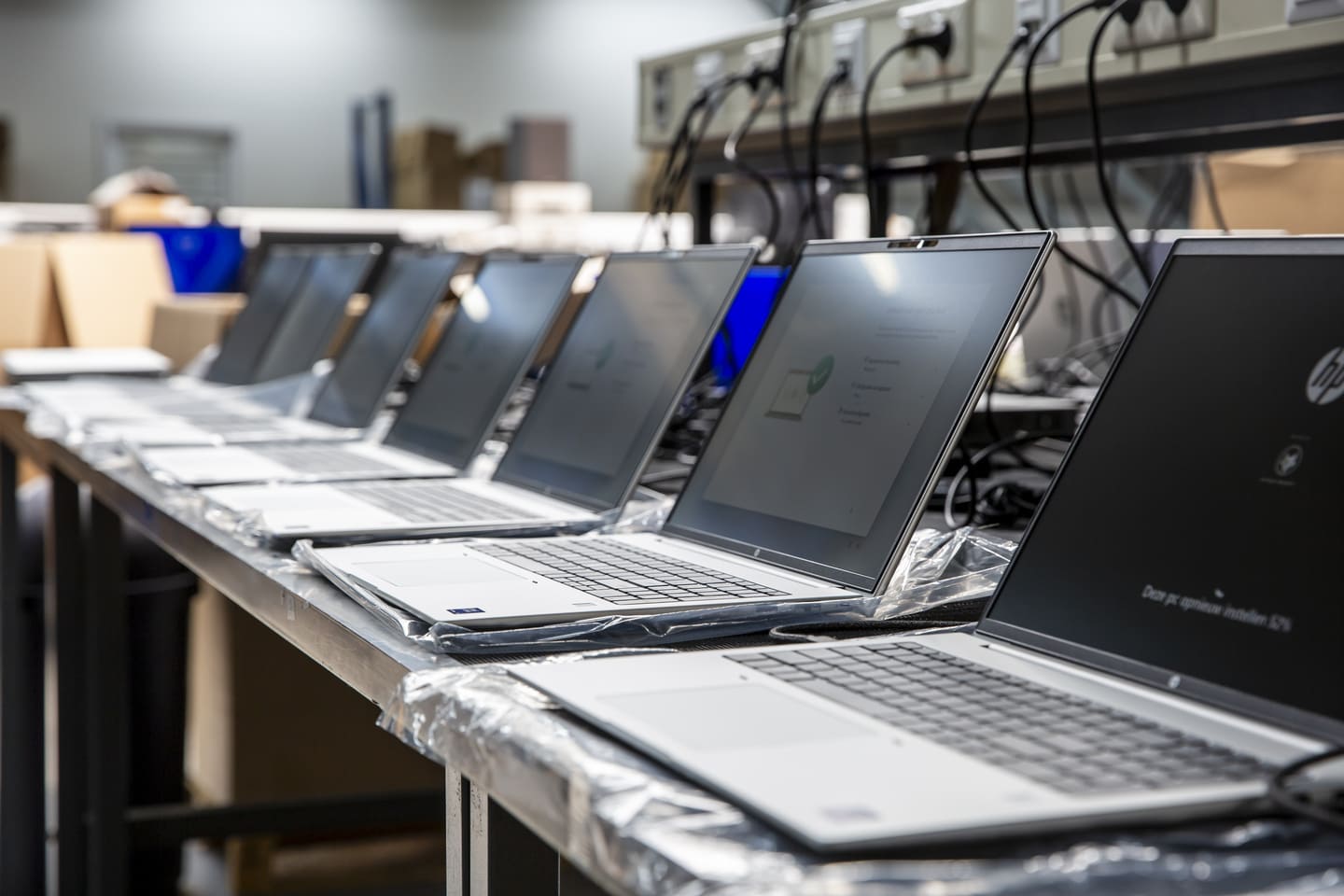
As part of this modern approach, we perform standard Windows Autopilot Pre-provisioning after the imaging process. This process ensures that devices are fully configured and up-to-date before they reach the end user.

A key advantage of this approach through Reuzado is that we have the ability to dynamically assign Microsoft Intune profiles - both shared and personal. We combine this with providing a much more recent Windows version than when the device comes straight from the factory. This is especially relevant when devices are ordered on a forecast basis and sit on the shelf for a long time, often missing important updates.

By outsourcing pre-provisioning to Reuzado:

  • Accelerate the rollout of devices within your organisation.
  • Reduce IT effort on commissioning.
  • Increase security and compliance, as devices instantly comply with the latest policies and updates.

We actively support organisations in carrying out this pre-provisioning process so that they can take full advantage of the benefits of Microsoft Intune and Windows Autopilot.

Create and place Asset tag

At Reuzado, we make sure your hardware is fully prepared not only technically, but also logistically. We offer three variants of axle tags:

  • Non-removable, water-, UV- and scratch-resistant labels
  • Black and white labels (51×25 mm)
  • Colour labels (51×25 mm)

These are professionally printed and affixed, linked to serial numbers and user information.

Reuzado refurbished laptops

CMDB registration and overview

All devices we receive, process and ship are digitally recorded including serial numbers, MAC addresses, IMEI, SIM card numbers(ICCID) and other identification data. You choose which data you need and in which format you want to receive it.

Want to link this to a unique asset registration? No problem. With every delivery, you will receive a digital overview that can be used directly in your own asset management system or CMDB. So you always have full insight and control, without any extra effort.

With an underlying processing agreement in place, it is also possible for us to register directly in the end customer's environment by mutual agreement, this is on a supplementary basis and is not standard in our CMDB registration service.

Give your new colleagues a warm welcome with the Happy Box

A good first impression works wonders. With the Happy Box, you make new employees feel welcome right away. One handy package contains all the items they need to get off to a good start.

What makes this box extra special is that you can personalise it completely. Think, for example, of a laptop bag with your logo, a printed mouse mat, a stylish thermos bottle or a stress ball in your house style. We will keep these items in stock for you, so you can always move quickly.

This way, you ensure that every new employee is not only supported practically, but also immediately feels the culture and image of your organisation. A small effort, with a big impact on commitment and enthusiasm from day one.

Would you like us to think along about the content or put together a sample box? Let us know!

Everything under one roof

Installation, configuration, registration and logistics: we do it all in our own 5,500 m² warehouse. With permanent employees, our own resources and streamlined processes, we guarantee consistent quality, fast delivery times and maximum reliability.

Result: your equipment immediately ready for use, fully tailored to your organisation.

Frequently asked questions about installation and configuration services

Do you also provide asset tags for the equipment? Yes, we offer a wide range of asset tags.

Think of blank labels, printed codes or custom-designed tags. You can always request a sample pack to decide which tag best fits your internal registration or brand identity. We apply the asset tags during the preparatory work in our warehouse.

How is the image tested before it is installed on all laptops?

What happens if a device does not work upon receipt?

Can you deliver equipment outside office hours?

What information is provided upon delivery?

Can you also process updates during a long-term project?

Do you also perform Windows pre-provisioning via Intune?

Would you like to know which products are best suited for your business?

Get in touch with our advisors. You can reach them via info@reuzado.nl or via +31 (0)23 551 98 21. Or submit the contact form.

Fast forward to
  1. What to expect
  2. DOA Check
  3. Reading out hardware hash or PKID
  4. Installation of components
  5. BIOS settings
  6. Smartphones and tablets
  7. Tailor-made installation
  8. Windows Autopilot Pre-provisioning
  9. Asset tag
  10. CMDB registration
  11. Happy Box
  12. Everything under one roof
  13. Frequently asked questions